
Automating Security for NetDocuments Workspace
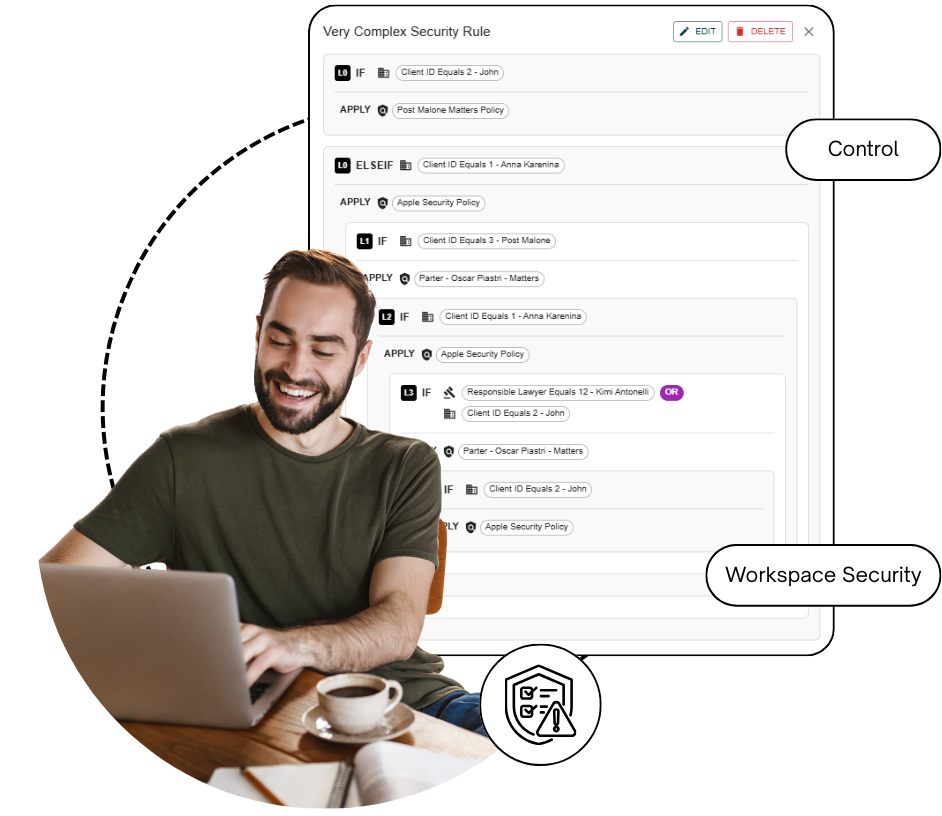
Thimble Barriers
Stronger Control
Smarter Compliance.
Less Effort.
Barriers is a security policy automation tool built into Thimble. it gives firms the power to define, store, and consistently apply workspace-level security policies across NetDocuments.
What is Barriers?
What’s New?
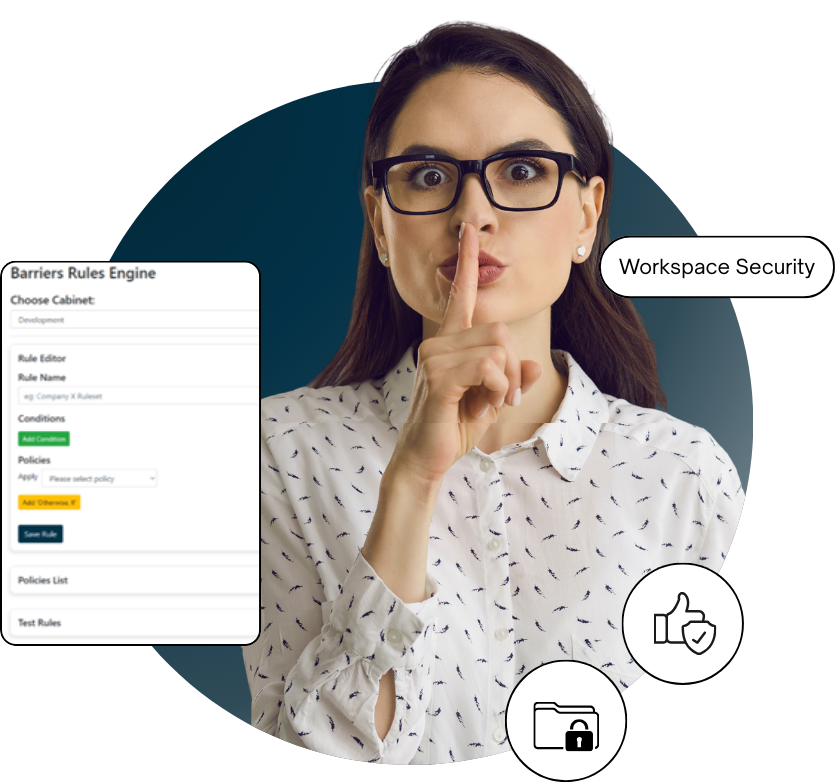
Rules Engine UI – A simple, user-friendly interface to create and manage policy rules.
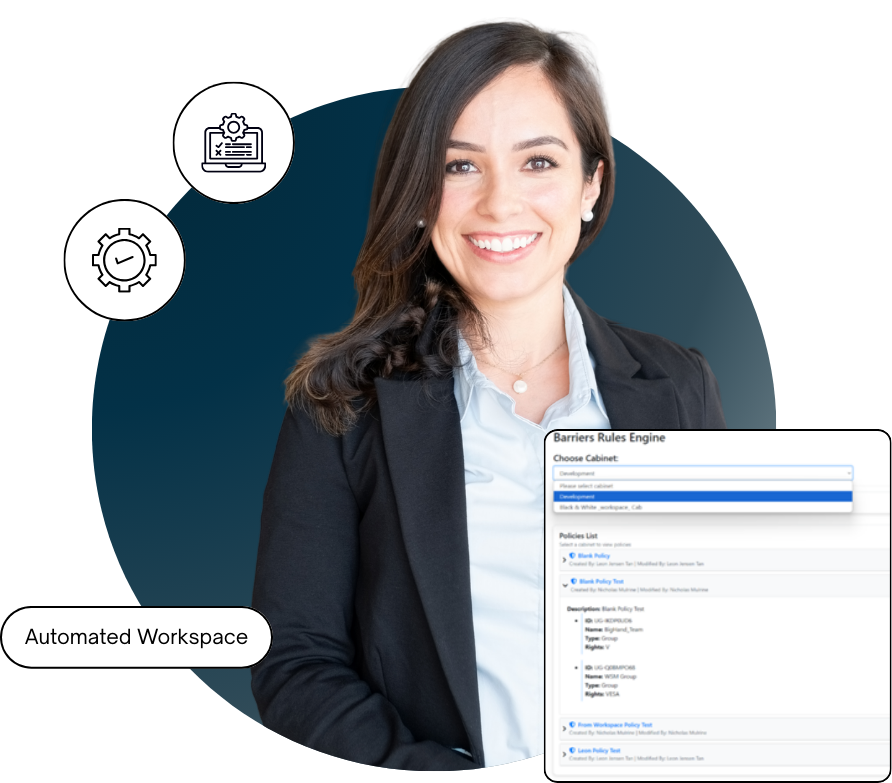
Automated Policy Application – When a new matter is created in your PMS, Barriers ensures the correct security policies are automatically applied to the newly generated NetDocuments workspace.
Consistency at Scale – Policies are stored centrally and enforced every time, reducing the risk of human error.
Thimble: Barriers that makes workspace security even easier and more reliable.
Why It Matters?
Barriers has been developed in direct response to client feedback and the growing demand for stronger, automated NetDocuments workspace access controls.
By removing manual steps, firms can:
• Save time and reduce administrative overhead
• Improve compliance with regulatory and client requirements
• Ensure every new workspace is secured from the moment it’s created
• Increase confidence that sensitive information is protected
Who Benefits?

Partners & Practice Leaders:
Confidence that confidentiality is enforced without extra efforts

IT & Risk Team:
Centralised control and automation reduce support requests and risk

End User:
Secure workspaces that “just work” with no extra clicks or setup
Barriers help firms achieve smarter, more consistent security in NetDocuments, directly integrated with Thimble. With automated policy application at the point of workspace creation, firms can protect sensitive information and enforce standards automatically, every time.
